Creating New Projects in EmployPlan
Creating a new project structure in Employplan is a simple process - you can manually create the project structure, including phases, budgets and roles for each phase, directly in the application. Each role is defined by a profession with specific skills needed for the project, as well as time and task data at a high level. The goal at this stage is to define the resources in terms of skills and professions based on the overall project scope, then refine tasks to detail in the PSA tool of your choice, such as Jira. If you want the system to do this step for you, you can automate this with our new Project Insight beta feature, which imports your statement of work and automatically builds the project, phases and roles directly from that document.
Get Started by Setting Up the Project and its Phases and Budgets
Step 1
Setting Up a New Project
Company Overview
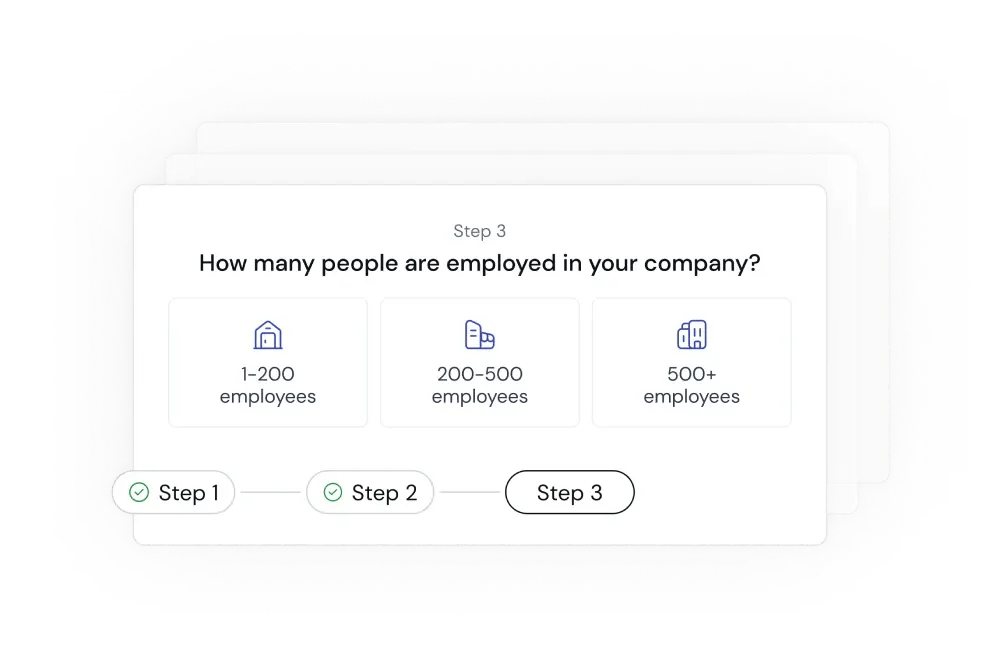
First things first, we gather information about your company, including where it is headquartered, the type of services you provide and the size of your services team that you are looking to manage
Business Model and Project Cost Management Overview
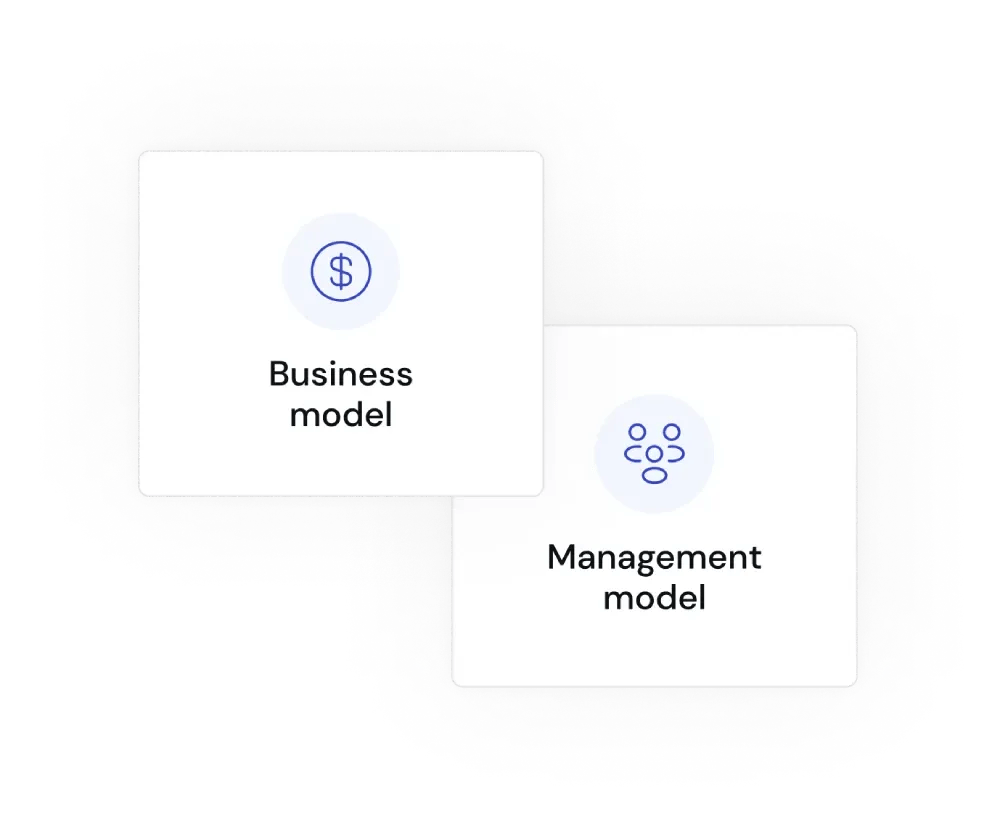
Next, we ask some details about your business model and how you manage your project cost models to help us understand your approach to budgeting and managing resources and time.
Company Details Confirmation
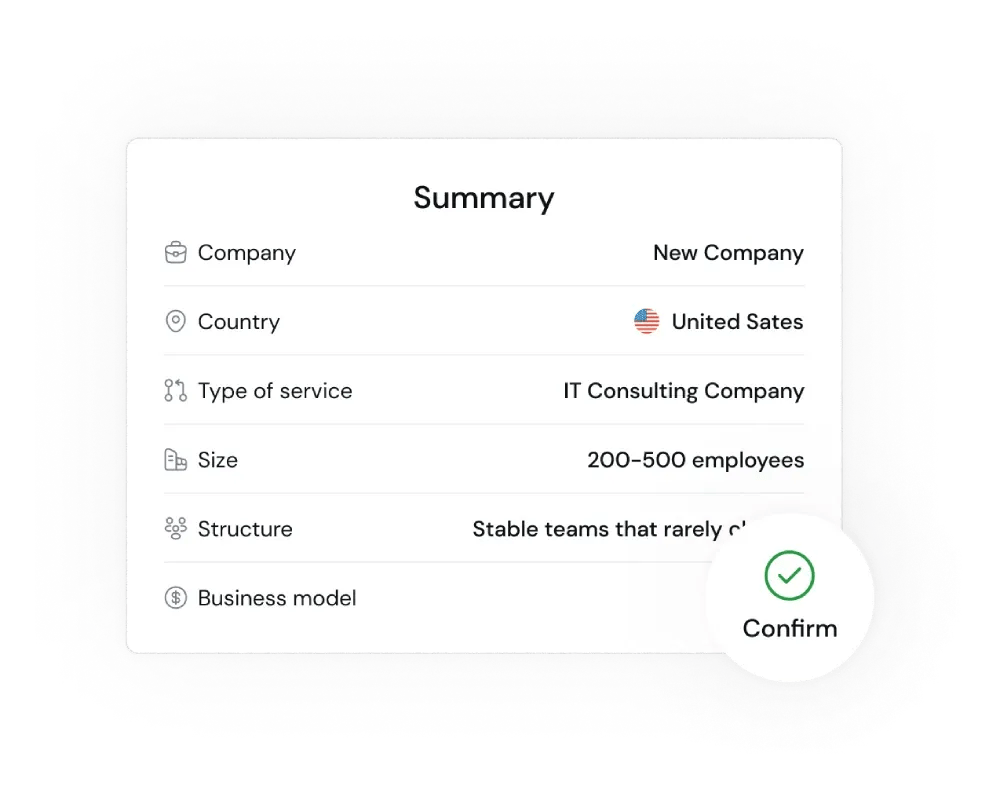
Last, we verify all your company details to confirm them, then we start setting up the integrations to other key systems to begin pulling in your projects and history of delivery
Step 2
Setting Up Company Integrations
Integration Setup
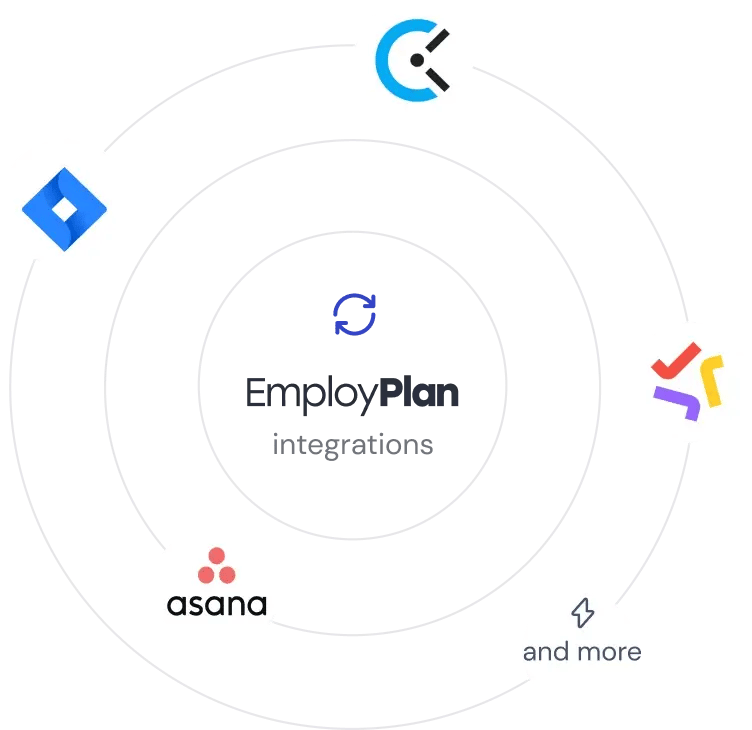
For the next step, we start setting up integrations, first with the professional services automation tool that you use as a company to set up the connection between EmployPlan projects and allocations with the PSA platform. Next, we connect to your timecard system, as these two systems are critical to creating the insights into experiences and skills we need. Let us know if your tool isn’t listed by taking a quick survey, as we are always adding new integrations.
Business Model and Project Cost Management Overview
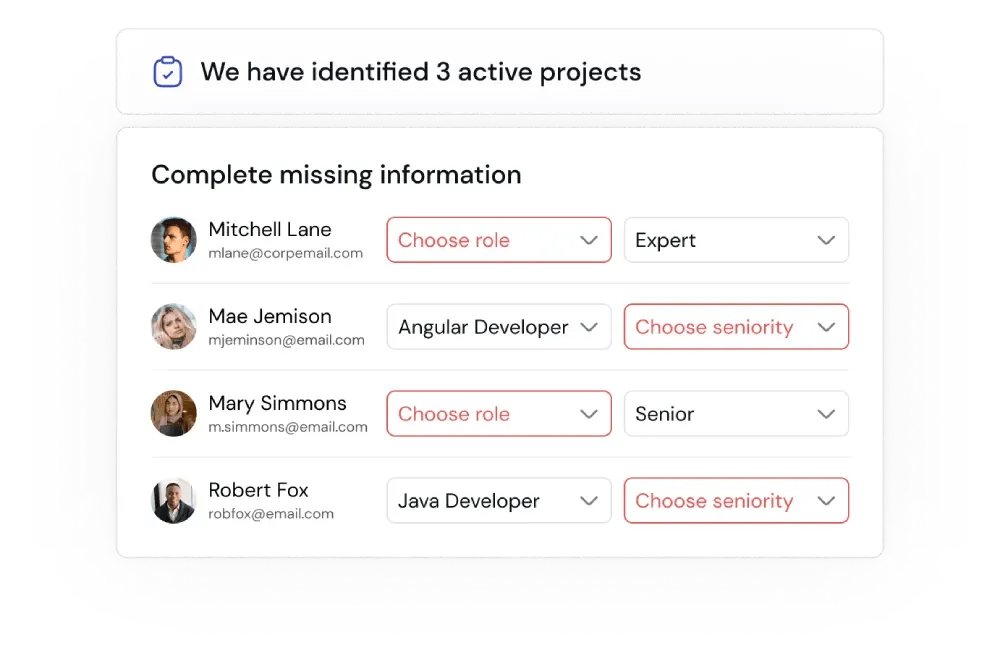
After connecting systems, we review the imported data for active projects as well as any missing information for user records to verify that the integration was successful and that the system are working together correctly. Once this step is completed, go get a cup of coffee and give the system some time to correlate and analyze your team, projects and history.
Final Setup: Role Assignment for Streamlined Project Management
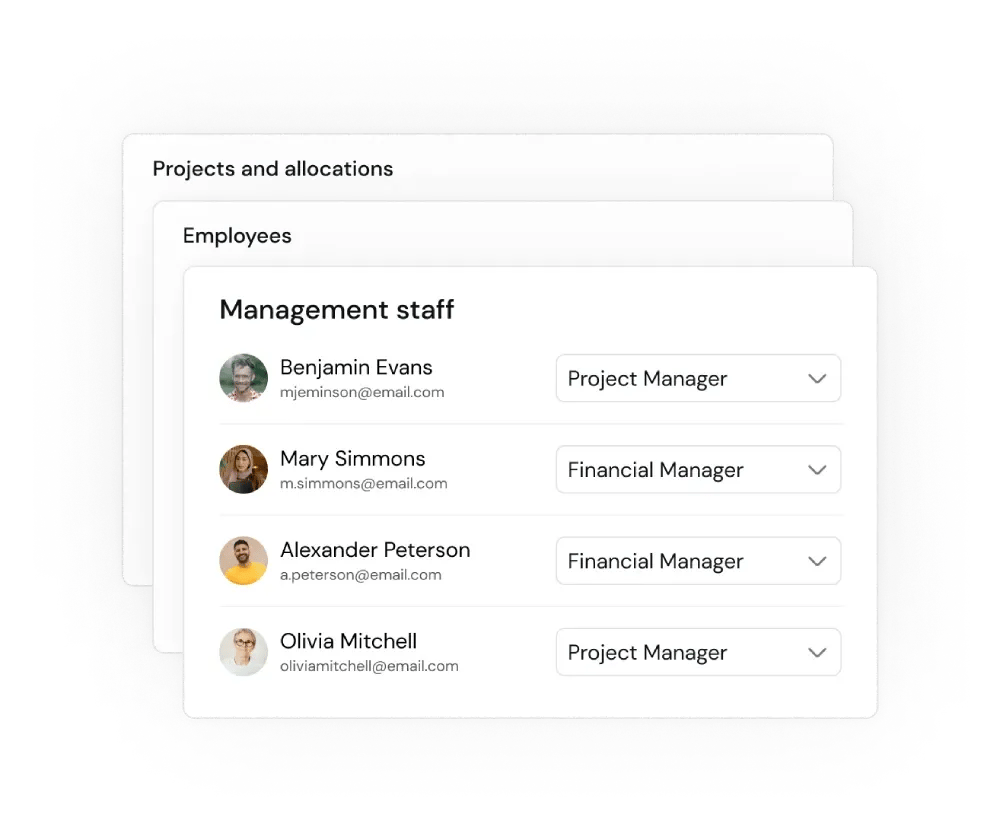
Once the system is complete with the data ingestion, the last step in the setup is to assign roles, like project manager, Fianacial manager or learning manager to individuals to give them new rights and actions in the platform.
After that, you are ready to start creating new projects and allocating roles to the projects in a much more automated and exact way!