Onboarding into EmployPlan as a Company Admin
Onboarding your company into EmployPlan is a simple process that steps you through setting up your company, integrating your core systems and importing data to populate the system and begin giving you more control and insights into your resource management process.
Walk through the experience of setting up EmployPlan as a New Administrator
Step 1
Setting Up the Company
Company Overview
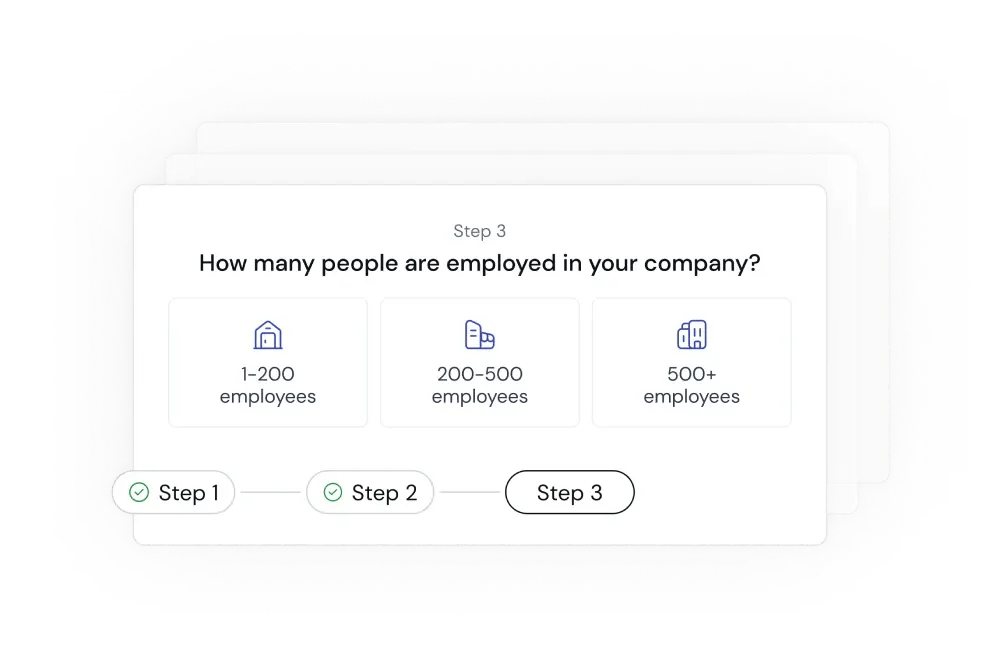
First things first, we gather information about your company, including where it is headquartered, the type of services you provide and the size of your services team that you are looking to manage
Business Model and Project Cost Management Overview
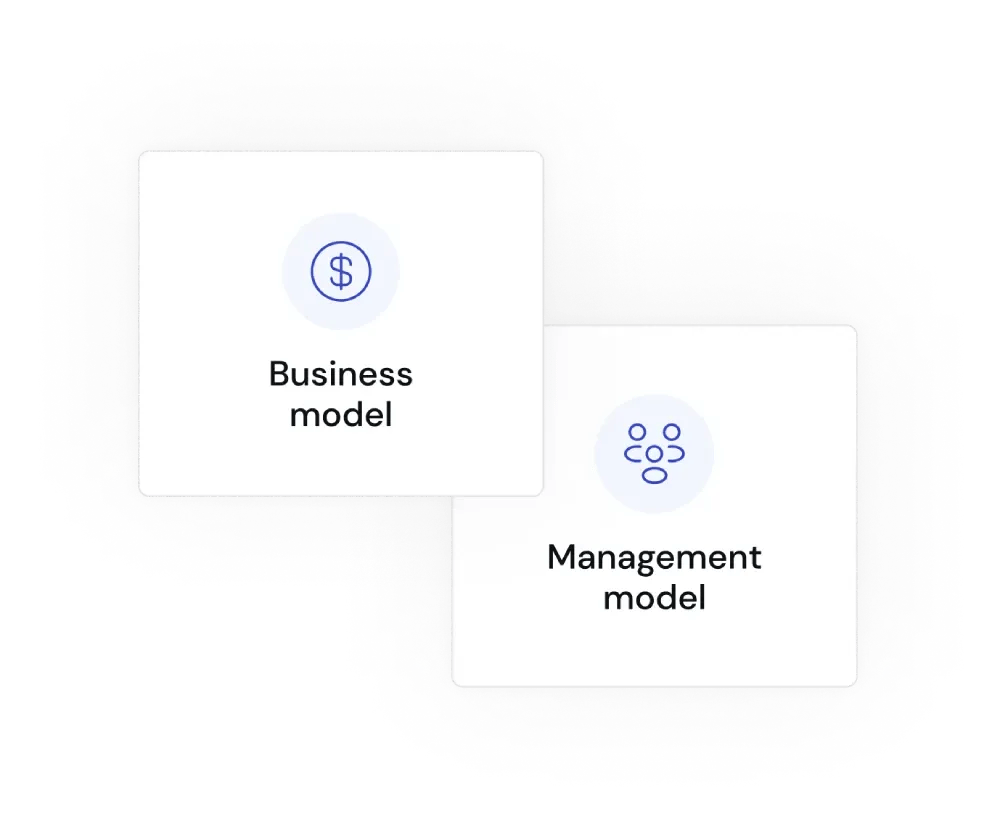
Next, we ask some details about your business model and how you manage your project cost models to help us understand your approach to budgeting and managing resources and time.
Company Details Confirmation
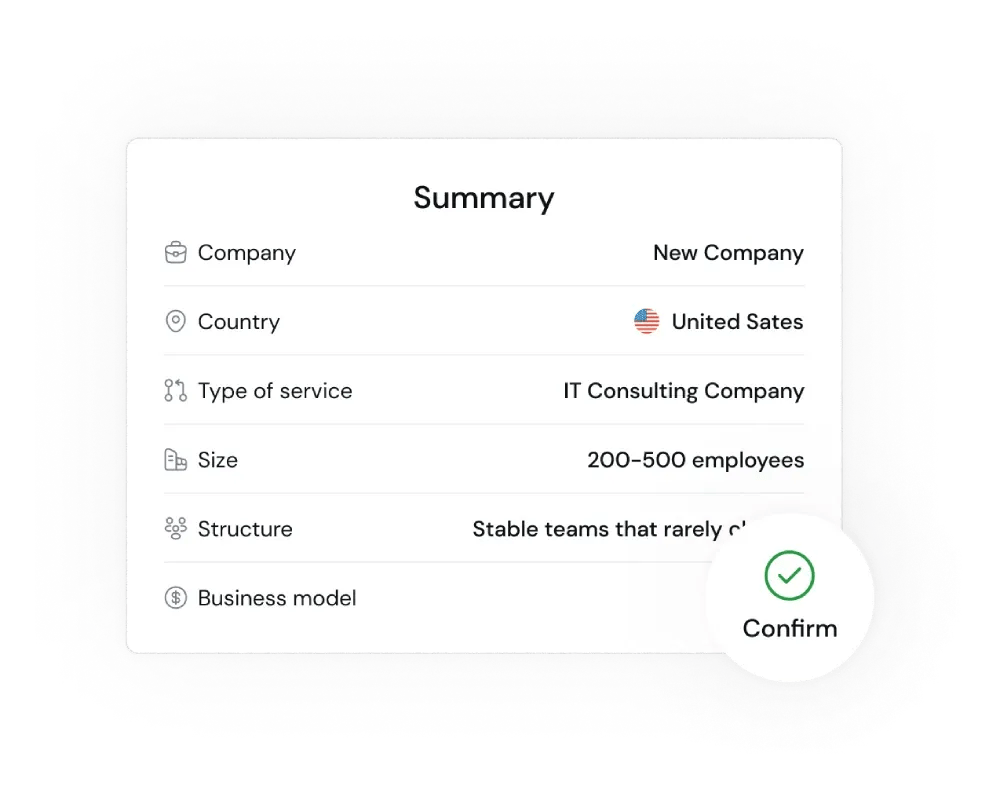
Last, we verify all your company details to confirm them, then we start setting up the integrations to other key systems to begin pulling in your projects and history of delivery
Step 2
Setting Up Company Integrations
Integration Setup
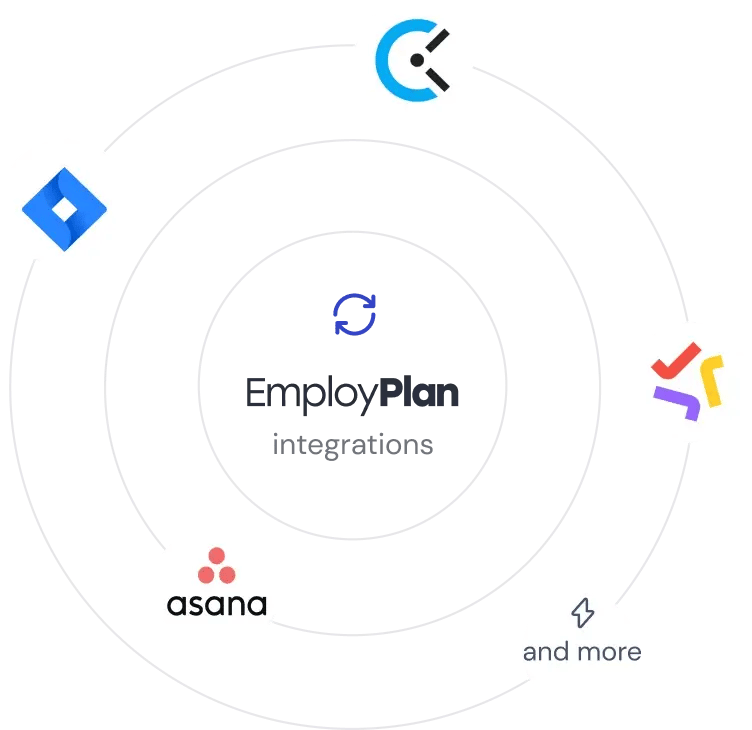
For the next step, we start setting up integrations, first with the professional services automation tool that you use as a company to set up the connection between EmployPlan projects and allocations with the PSA platform.
Next, we connect to your timecard system, as these two systems are critical to creating the insights into experiences and skills we need.
Let us know if your tool isn’t listed by taking a quick survey here as we are always adding new integrations.
Business Model and Project Cost Management Overview
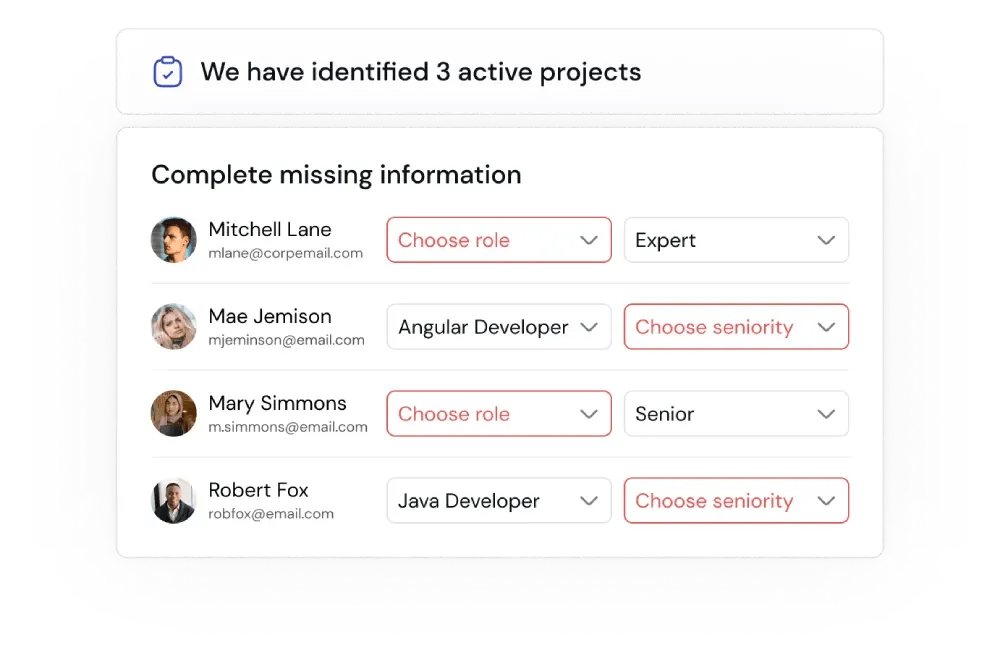
After connecting systems, we review the imported data for active projects as well as any missing information for user records to verify that the integration was successful and that the system are working together correctly.
Once this step is completed, go get a cup of coffee and give the system some time to correlate and analyze your team, projects and history.
Final Setup: Role Assignment for Streamlined Project Managemen
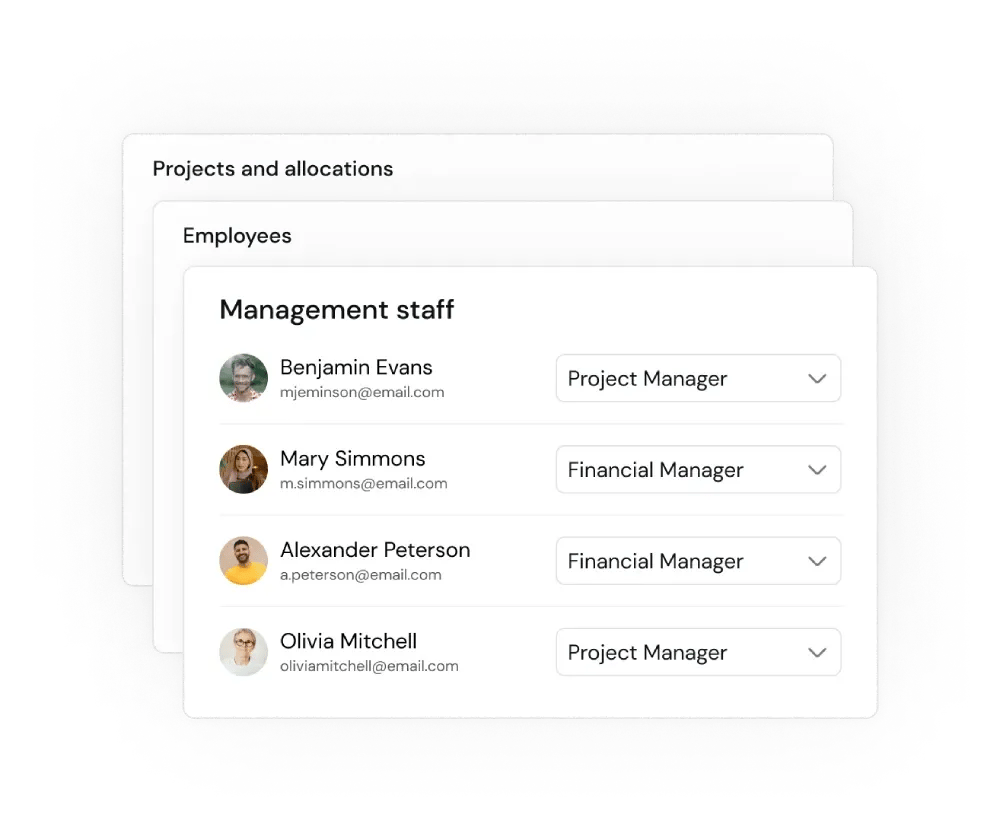
Once the system is complete with the data ingestion, the last step in the setup is to assign roles, like project manager, Financial manager or learning manager to individuals to give them new rights and actions in the platform.
After that, you are ready to start creating new projects and allocating roles to the projects in a much more automated and exact way!